8 Steps to Build Type-Safe LLM Agents with Pydantic AI
Large language models (LLMs) are powerful, but their raw text responses can be unpredictable. Pydantic AI, a Python framework built on Pydantic, changes that by enforcing type-safe and validated outputs. Instead of parsing unpredictable strings, you get structured objects you can trust. If you're already comfortable with FastAPI or Pydantic, you'll feel right at home. This article walks you through eight essential steps to build robust LLM agents that return clean, predictable data—saving you debugging headaches and making your code more maintainable. Let's dive in.
1. Define Structured Outputs with Pydantic BaseModel
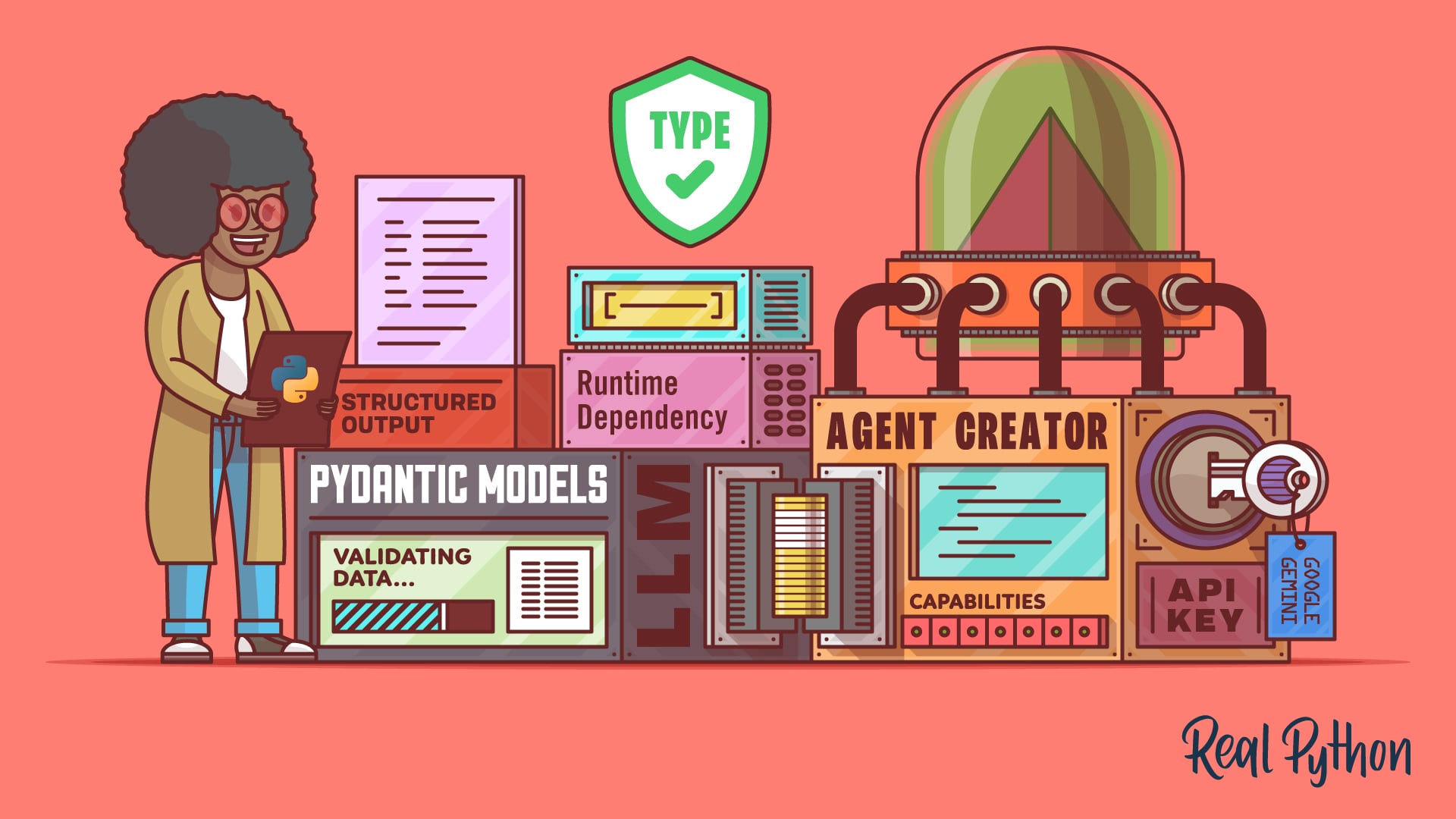
The core of any Pydantic AI agent is a BaseModel class. This is where you define the exact shape of the data you want the LLM to return. For example, you can specify fields with types like str, int, or list[str]. Pydantic then automatically validates the LLM’s response against your schema. If the LLM returns a number where you expected a string, or misses a required field, the validation fails—giving you immediate feedback. This eliminates the messy regex parsing and manual type checking that plague typical LLM integrations. You simply declare what you need, and Pydantic AI ensures the output matches.
2. Register Tools with the @agent.tool Decorator
LLMs often need to call external functions—say, fetching live data or performing calculations. Pydantic AI makes this safe and simple using the @agent.tool decorator. When you decorate a Python function with this, the LLM can invoke it based on user queries and your docstring. The framework automatically converts function parameters into structured inputs, validates them, and then passes the result back to the LLM. This tight integration means your agent can interact with databases, APIs, or any custom logic without you writing glue code. Just write clean functions, add clear docstrings, and let Pydantic AI handle the orchestration.
3. Inject Dependencies Without Global State
Global variables are messy and break testability. Pydantic AI tackles this with dependency injection via the deps_type parameter. You specify a Pydantic model that holds runtime context—like database connections, API keys, or configuration settings. The framework then injects these dependencies into your tool functions automatically. This keeps your code modular, testable, and free of singletons. For instance, you can pass a DatabaseSession object to your tools without worrying about thread safety or global state. It’s a clean pattern borrowed from web frameworks like FastAPI, adapted perfectly for agent workflows.
4. Enable Automatic Validation Retries
LLMs don’t always get it right. Sometimes they output data that doesn’t match your schema—missing fields, wrong types, or malformed JSON. Instead of crashing, Pydantic AI can automatically retry the query. The framework catches validation errors, passes the error message back to the LLM, and asks it to correct the output. This dramatically increases reliability, especially in production environments. However, be aware that each retry consumes extra API tokens, so it’s a trade-off between robustness and cost. You can configure the maximum number of retries to suit your budget and latency requirements.
5. Choose the Right Model Provider
Not all LLMs handle structured outputs equally well. Pydantic AI supports multiple providers, but according to the framework’s docs, Google Gemini, OpenAI, and Anthropic deliver the best results for type-safe responses. Their APIs natively support constrained generation, meaning they can be coaxed into producing valid JSON that matches your schema. Other providers may work, but you might encounter more retries or occasional invalid outputs. For mission-critical applications, stick with these three leaders. The framework abstracts away provider-specific details, so you can switch between them with minimal code changes.

6. Parse Raw Strings Into Structured Objects
Without Pydantic AI, you’d likely end up with a function that captures response.text and then tries to extract information using splits, regex, or manual JSON parsing. This approach is brittle and error-prone. Pydantic AI eliminates that whole class of bugs. When the LLM responds, the framework immediately parses it into a Pydantic model—so you can access fields like response.name or response.temperature with full type hints and autocompletion in your IDE. This alone can save hours of debugging and makes your code self-documenting.
7. Leverage Familiar FastAPI Patterns
If you’ve built APIs with FastAPI, you already know the pattern: define a Pydantic schema for requests/responses, and the framework handles validation and serialization. Pydantic AI extends this very paradigm to LLM interactions. You define schemas for the data you want to receive from the model, and the framework ensures it’s correct. The learning curve is minimal for anyone with Pydantic experience. You can even reuse existing Pydantic models across your web and agent layers, promoting consistency and reducing duplication.
8. Understand the Cost Implications
Validation retries improve reliability but come at a price—both in terms of latency and money. Each retry sends the conversation history plus the error message back to the LLM, which can be significantly longer than the original prompt. This means your API bills can climb quickly if you’re not careful. To manage costs, test your schema thoroughly with representative prompts, set a retry limit, and consider using cheaper models for non-critical validations. Pydantic AI gives you full control over retry behavior, so you can balance accuracy with budget constraints.
Building type-safe LLM agents with Pydantic AI isn’t just a technical exercise—it’s a mindset shift. You stop fighting with unpredictable text and start trusting structured data. By following these eight steps, you’ll create agents that are robust, testable, and a joy to maintain. Whether you’re prototyping a chatbot or deploying a production-grade assistant, Pydantic AI provides the scaffolding you need. Now go write that schema, decorate those tools, and let the LLM do the work—safely.
Related Articles
- Why Spending More on HDMI Cables Doesn't Improve Picture Quality
- Mastering Stack Allocation in Go: Q&A on Boosting Performance
- Mastering the March 2026 Python Extension: Symbol Search & Parallel Indexing
- Your Guide to the Relocated Python Insider Blog: Q&A
- cuda-oxide: NVIDIA’s Experimental Compiler Enables Rust-Based GPU Kernel Development
- AI Agents Get Free Rein in the Cloud: Cloudflare's Bold New Move
- The Grimace Shake Phenomenon: McDonald’s Surprising Strategy Behind a Viral TikTok Horror Trend
- 6 Essential Governance Components for MCP Tool Calls in .NET