New Google Quick Share Features Streamline File Transfers Between Android and iOS
Enhanced Quick Share Compatibility
Google has announced significant updates to its Quick Share feature, designed to simplify file transfers between Android and iOS devices. These enhancements aim to bridge the gap between the two platforms, making it easier for users to share content seamlessly.
AirDrop Integration Expands to More Devices
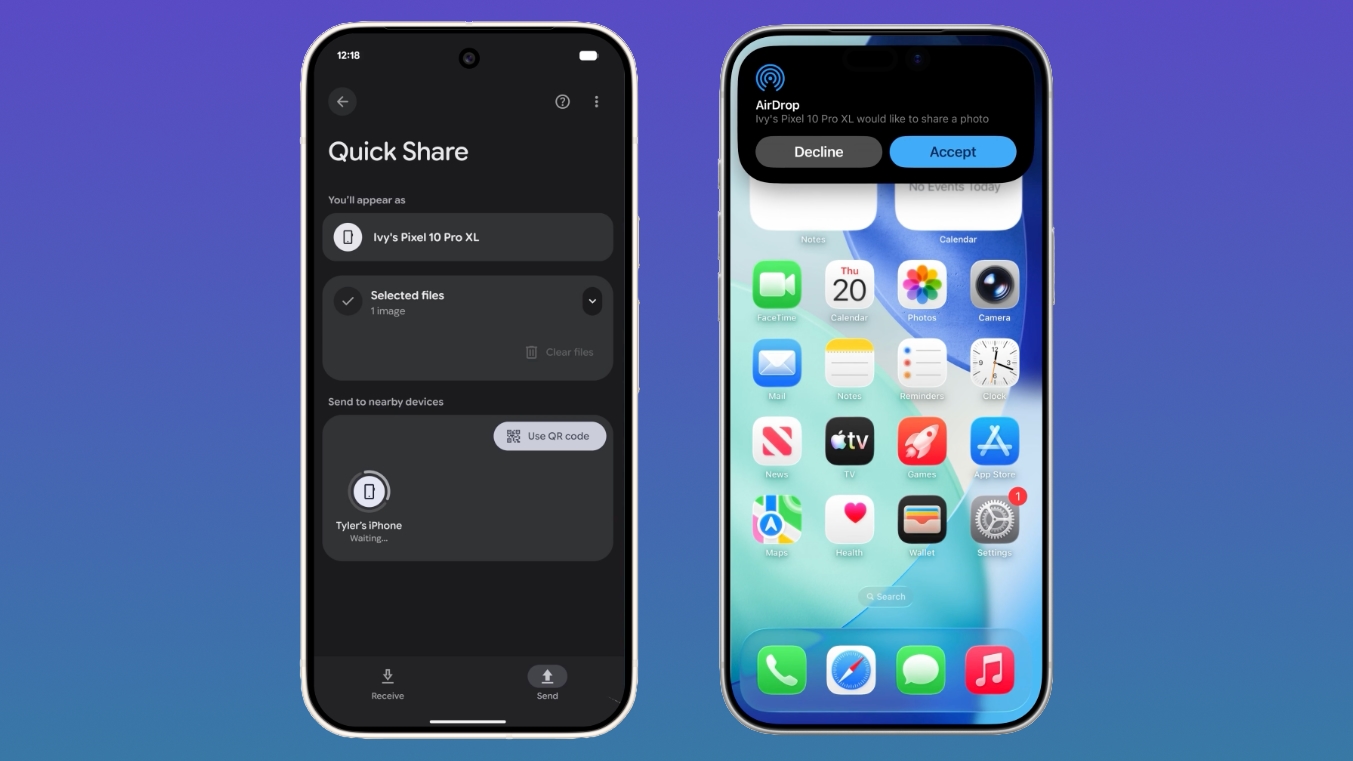
Quick Share already works with Apple's AirDrop on select Android devices. However, Google is expanding this compatibility to additional manufacturers. By 2026, devices from Samsung, OPPO, OnePlus, Vivo, Xiaomi, and HONOR will support direct AirDrop-like transfers with iPhones. This integration leverages the existing AirDrop protocol, allowing Android users to send files to iPhones without extra steps.
QR Code Sharing for iOS Devices
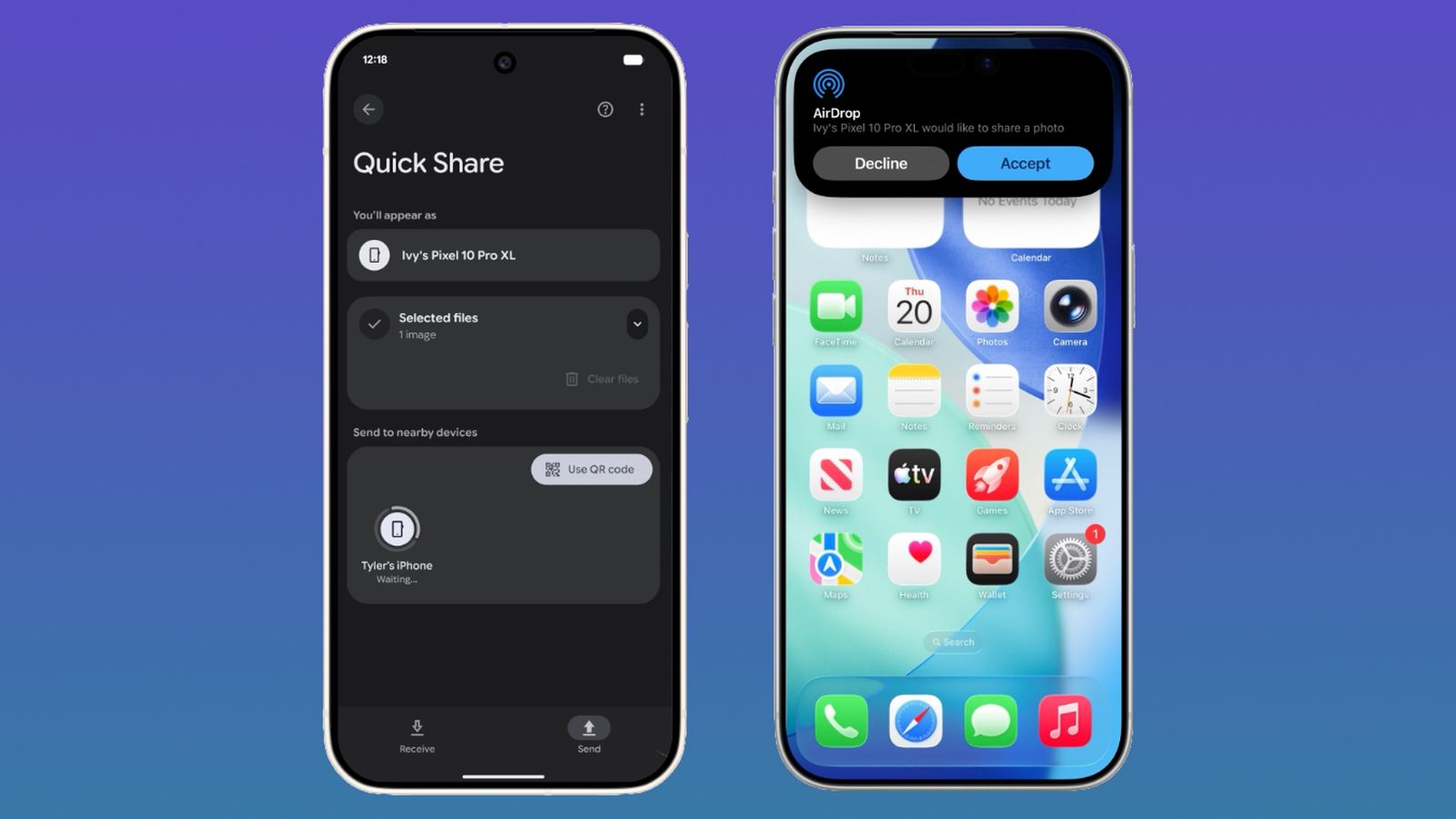
For Android devices that don't support AirDrop, Google introduces a new QR code sharing method. Users can generate a QR code within Quick Share, which iOS devices can scan to instantly receive files via the cloud. This feature is rolling out to all Android devices starting today and will be fully available within the next month. It provides a universal solution for file sharing, requiring only a camera and internet connection on the iPhone side.
Quick Share Coming to WhatsApp and Other Apps
Google also plans to integrate Quick Share into popular messaging apps like WhatsApp in the near future. This would allow users to share files directly from within the app using the Quick Share protocol, further simplifying cross-platform communication. While details are still emerging, this integration is expected to enhance the convenience of file transfers in daily use.
Simplified iPhone-to-Android Migration
In addition to file sharing, Google has collaborated with Apple to ease the transition from iPhone to Android. These changes are driven by the European Union's Digital Markets Act (DMA), which mandates interoperability between platforms. Apple implemented the necessary features in iOS 26.3, and Google will bring them to Samsung Galaxy and Google Pixel devices in 2026.
What You Can Transfer
During the migration, users can move the following data wirelessly from an iPhone to an Android device:
- eSIM profiles – enabling mobile service activation without a physical SIM.
- Passwords – including saved credentials from iCloud Keychain.
- Photos and videos – entire camera roll and albums.
- Messages – iMessages and SMS history.
- Apps – installed apps that are also available on Android.
- Contacts – all entries from the address book.
- Home Screen layout – the arrangement of apps and widgets.
Google has also implemented similar tools for moving from Android to iPhone, ensuring a balanced experience for users switching between platforms.
Implementation Timeline and Availability
The QR code sharing feature is available immediately for all Android devices, with full rollout expected within a month. AirDrop compatibility for Samsung, OPPO, OnePlus, Vivo, Xiaomi, and HONOR devices will arrive in 2026. The migration tools for iPhone-to-Android will also debut in 2026, specifically on Samsung Galaxy and Google Pixel devices.
These updates demonstrate Google's commitment to improving interoperability between mobile operating systems, addressing long-standing user pain points. With Quick Share expanding and transfer tools becoming more comprehensive, the ecosystem is becoming more user-friendly for both Android and iOS users.
Related Articles
- 5 Key Insights for Building VR Apps with React Native on Meta Quest
- Glasses-Free 3D iPhone: What the Latest Samsung Rumor Reveals
- 7 Game-Changing Updates for Android-iPhone File Sharing You Need to Know
- Building Virtual Reality Apps: React Native Arrives on Meta Quest
- How to Prepare for the Rumored Next-Gen iPhone Pro with Quad-Curved Display
- Flutter AI Features Face Production Pitfalls: Experts Warn of Policy Violations, Cost Overruns
- iPhone 18 Pro Dynamic Island: Separating Fact from Fiction
- Apple Music iOS 26 Update Unveils Lyric Translation and Pronunciation Tools