Crafting Reliable LLM Agents with Pydantic AI: A Structured Output Guide
Overview
Large Language Models (LLMs) are powerful, but their free-form text outputs can be unpredictable. When building agents that need to return structured, validated data—like API responses or database records—parsing raw strings is error-prone and fragile. Pydantic AI solves this by combining the type safety of Pydantic models with LLM agent orchestration. Instead of regex parsing, you define output schemas using Python type hints, and the framework automatically validates LLM responses, returning type-safe objects you can trust.
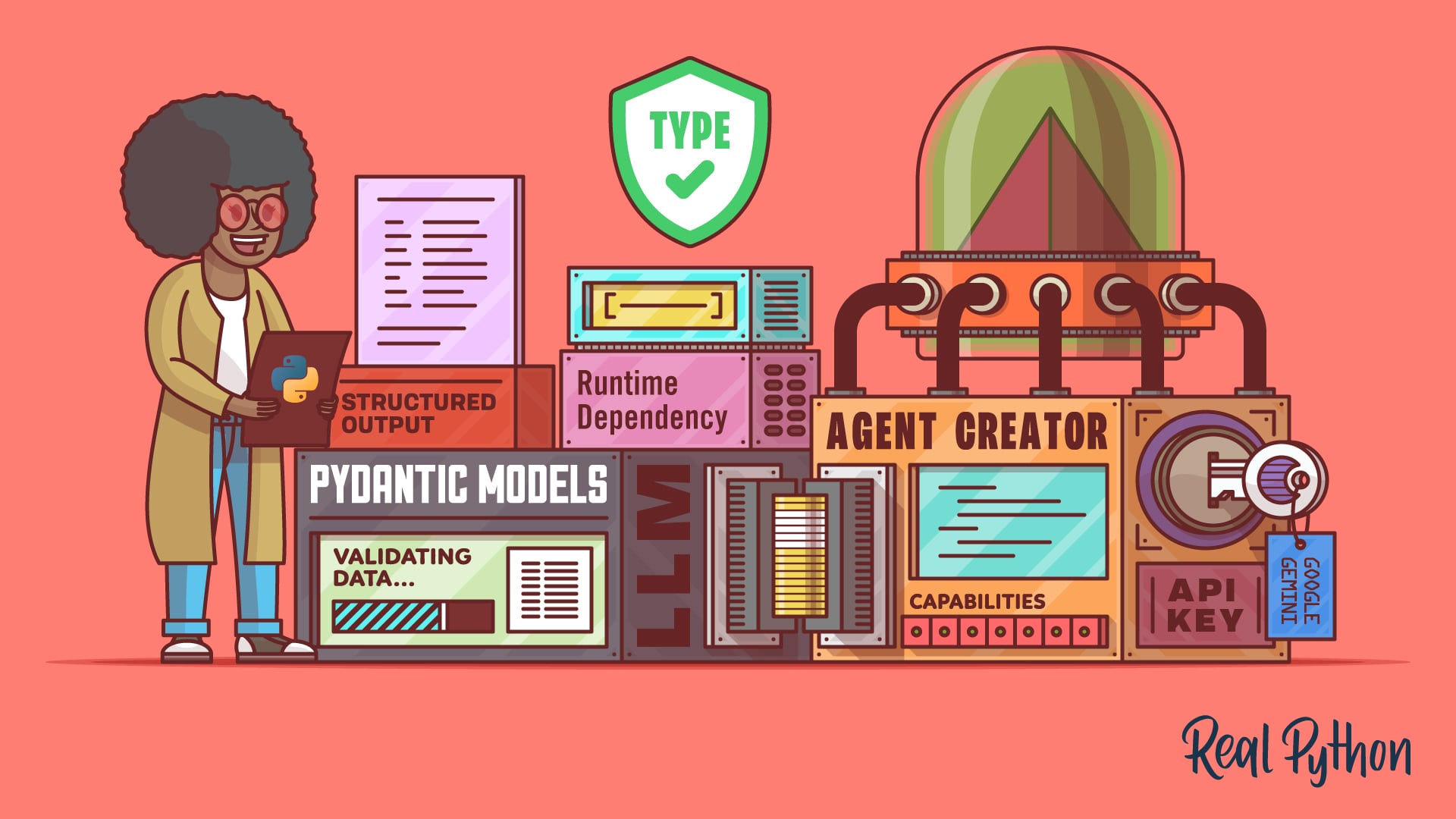
If you’ve worked with FastAPI or Pydantic before, you’ll appreciate the familiar pattern: define a BaseModel class with fields and validators, and let Pydantic AI handle the rest. This tutorial will walk you through building a complete type-safe LLM agent, from setup to deployment, covering tools, dependency injection, and retry logic.
Prerequisites
Before diving in, make sure you have:
- Python 3.9+ installed
- Familiarity with Python type hints and Pydantic (or FastAPI)
- An API key for at least one supported LLM provider: Google Gemini, OpenAI, or Anthropic
- Optional: Basic understanding of dependency injection concepts
Step-by-Step Instructions
1. Installation and Setup
Install Pydantic AI and your chosen LLM provider’s package using pip:
pip install pydantic-ai openai # For OpenAIOr for Gemini:
pip install pydantic-ai google-generativeaiSet your API key as an environment variable or pass it directly when creating the agent.
2. Define a Structured Output Schema
Create a Pydantic model that represents the data you want the LLM to return. For example, a simple WeatherReport:
from pydantic import BaseModel

class WeatherReport(BaseModel):
    location: str
    temperature_celsius: float
    conditions: str
Pydantic AI uses this model to enforce type safety: the LLM must return valid JSON that matches these fields, with correct types. Automatic validation will catch errors like a string in temperature_celsius.
3. Register Tools with the @agent.tool Decorator
Tools are Python functions that the LLM can invoke during a conversation. Use the @agent.tool decorator to register them. The function’s docstring and signature act as the tool’s description for the LLM. Example – a tool that fetches real weather data:
from pydantic_ai import Agent

weather_agent = Agent('openai:gpt-4', result_type=WeatherReport)

@weather_agent.tool
def get_weather_report(location: str) -> dict:
    """Get the current weather for a location."""
    # Simulated call to weather API
    return {"temperature": 22.5, "conditions": "sunny"}
The LLM reads the docstring to decide when and how to call get_weather_report. The return value is passed back to the LLM, which eventually produces a WeatherReport instance.
4. Inject Dependencies with deps_type
For runtime context (e.g., database connections, configuration), avoid global state by using dependency injection. Define a dependencies type and pass it when running the agent:
from dataclasses import dataclass

@dataclass
class WeatherDeps:
    api_key: str
    db_connection: str  # Real projects would use actual DB drivers

weather_agent = Agent(
    'openai:gpt-4',
    result_type=WeatherReport,
    deps_type=WeatherDeps
)

@weather_agent.tool
def get_weather_report(ctx: RunContext[WeatherDeps], location: str) -> dict:
    """Get weather using API key from dependencies."""
    # Use ctx.deps.api_key to authenticate
    return {"temperature": 22.5, "conditions": "cloudy"}
When invoking the agent, provide the dependencies object:

deps = WeatherDeps(api_key="secret", db_connection="localhost")
result = await weather_agent.run("What's the weather in Paris?", deps=deps)
This keeps your code testable and modular.
5. Handle Validation Retries Automatically
If the LLM returns data that doesn’t match your schema (e.g., missing field or wrong type), Pydantic AI automatically retries the query. This increases reliability but also API costs. Configure retry limits:
weather_agent = Agent(
    'openai:gpt-4',
    result_type=WeatherReport,
    max_result_retries=3  # Default is 1
)
To inspect retry attempts, enable logging. Be mindful of costs when designing prompts to encourage accurate outputs.
6. Use with Different LLM Providers
Pydantic AI supports Google Gemini, OpenAI, and Anthropic best for structured outputs (native JSON mode). Other providers may have limited support. Swap agents easily:
# Gemini
agent = Agent('google-gla:gemini-1.5-pro', result_type=WeatherReport)

# Anthropic
agent = Agent('anthropic:claude-3-5-sonnet', result_type=WeatherReport)
Each provider requires a specific model string and may need additional configuration (e.g., API keys).
Common Mistakes
- Omitting tool docstrings. Without descriptive docstrings, the LLM may not call the tool correctly. Always include clear, concise descriptions.
- Ignoring validation errors. If you disable retries or provide a schema with complex constraints, you might get silent failures. Use logging to track validation issues.
- Overlooking API costs. Retries multiply expenses. Optimize your prompt and schema to minimize retries.
- Using unsupported providers for structured output. Check documentation for the latest provider compatibility matrix.
- Hardcoding API keys. Use environment variables or a secrets manager.
Summary
Pydantic AI empowers you to build LLM agents that return type-safe, validated structured data with minimal boilerplate. By defining Pydantic models, registering tools with docstrings, injecting dependencies, and leveraging automatic retries, you create reliable agents that integrate seamlessly into Python applications. Start with a supported provider like OpenAI or Gemini, and remember to test retry behavior to balance reliability and cost.
Related Articles
- How to Leverage Your IDE as an AI Quality Variable: A Step-by-Step Guide
- Python 3.15.0 Alpha 5 Rushed Out After Alpha 4 Build Error; New Profiler and UTF-8 Encoding Highlight Preview
- 10 Surprising Revelations About Neanderthal Brains
- The Key to Effortless Unit Testing: Prime Testable Code
- Python 3.15 Alpha 6 Drops: JIT Compiler Gets Major Speed Boost, New Profiler Unveiled
- Java 25 Debuts Unified Key Derivation API to Strengthen Cryptographic Key Management
- How Automating Agent Trajectory Analysis Transformed Our Development Workflow
- 10 Powerful Features of RustConn: The Modern Connection Manager for GNOME