Android's Desktop Mode for Googlebook: Key Features Revealed in Leaked Video
In a recent 16-minute leaked video, a preliminary version of Android’s desktop operating system designed for “Googlebook” laptops has been shown, revealing a hybrid experience that combines Android’s core with familiar ChromeOS elements. This Q&A covers the most important details, from virtual desktops to a built-in terminal, and what these features mean for future lightweight laptops.
What exactly is the “Googlebook,” and how does Android’s desktop OS fit in?
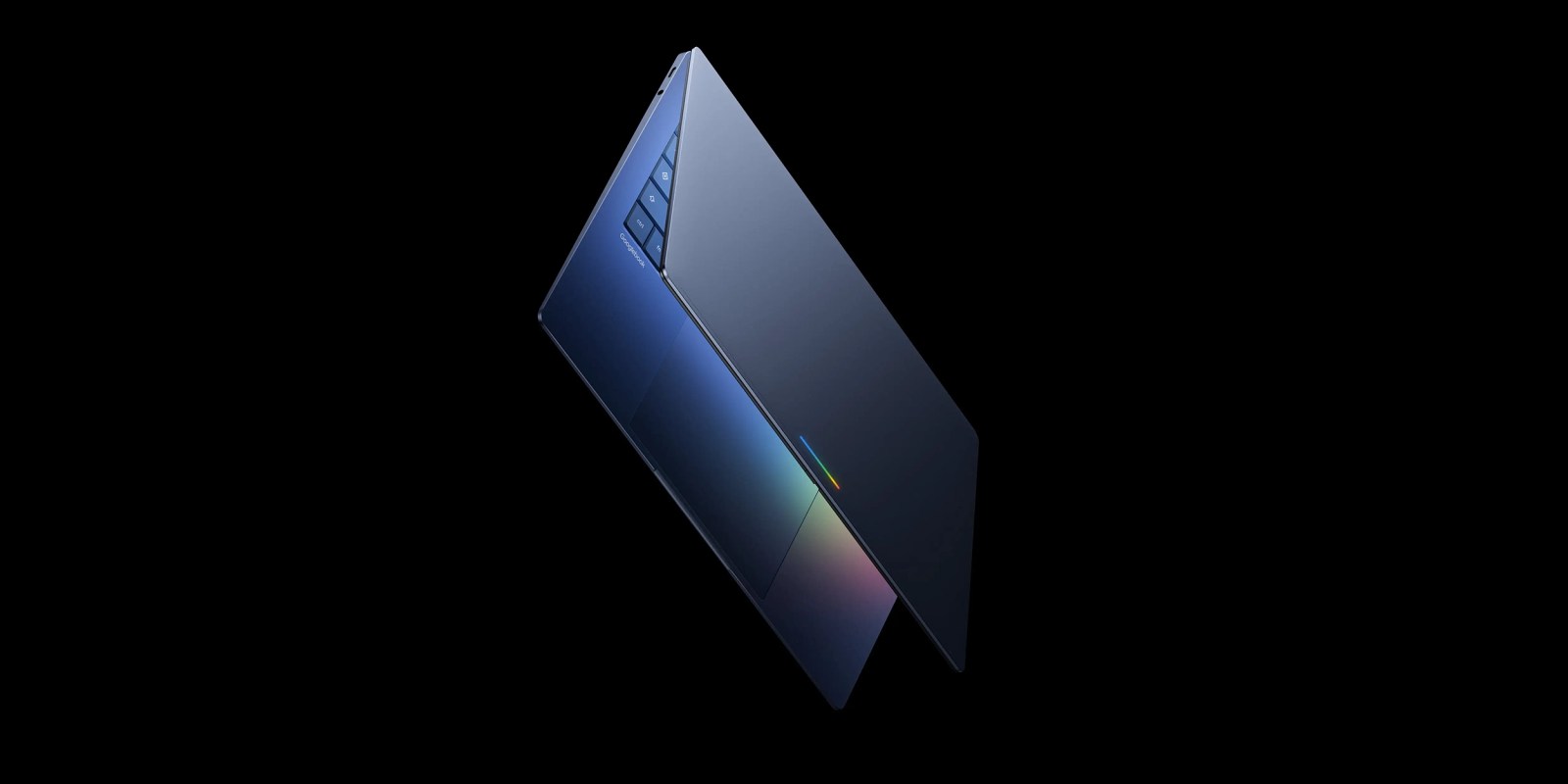
The “Googlebook” is the rumored codename for lightweight laptops that would run a desktop-optimized version of Android. Instead of being a full ChromeOS device, these machines leverage Android’s existing app ecosystem while offering a traditional desktop interface. The leaked video shows a desktop mode that boots into a familiar Android base, but with a taskbar, system tray, and windowed apps—much like Windows or macOS. This allows users to run millions of Android apps on a larger screen, multitask more effectively, and even use keyboard shortcuts. The desktop environment overview below explains how it differs from tablet Android.
What does the desktop environment look like, and how does it differ from Android on tablets?
Unlike Android’s current “desktop mode” on tablets—which merely stretches phone apps—this new environment is built from the ground up for mouse and keyboard input. The launcher resembles the classic Windows 11 start menu with a grid of app icons, while the taskbar includes a system clock, quick settings toggles, and an app drawer. Windows can be resized, minimized, and snapped to grid positions. A key difference is the inclusion of a dedicated desktop folder feature: users can place shortcuts, documents, or even entire folders directly on the home screen, just like on ChromeOS or macOS. Virtual desktops (workspaces) are also present, allowing you to separate work and personal apps—a feature lacking in standard Android.
Which ChromeOS features have been integrated into this Android desktop OS?
Several ChromeOS staples appear in the leaked build. The most notable is the terminal app, which gives Linux command-line access—a powerful tool for developers and advanced users. Additionally, the system tray includes a “cast” button for screen mirroring, much like ChromeOS’s native casting capability. File management has been revamped with a ChromeOS-style file manager that supports external drives, network locations, and archive extraction. Interestingly, the notification center merges Android’s shade with ChromeOS’s quick panels, offering a unified experience. These integrations suggest Google is intentionally blending the two platforms to reduce fragmentation.
How do virtual desktops work on this Android desktop build?
Virtual desktops (often called workspaces) are accessible via a dedicated button on the taskbar or a four-finger swipe on a touchpad. You can create multiple desktops, each with its own set of open windows and apps. Switching between them is smooth, and you can move windows from one desktop to another via the overview interface. This is a huge productivity boost for users who need to separate work apps (like email and spreadsheets) from personal ones (like games or social media). While ChromeOS has had virtual desktops for years, this is one of the first times they appear in an Android-based OS aimed at laptops.

What about app compatibility and performance? Are all Android apps supported?
Early glimpses show that the OS runs standard Android apps in resizable windows. Most apps will work in the same way they do on tablets—some may need to be optimized for keyboard and mouse input. The leaked video demonstrates productivity apps like Microsoft Office and Google Docs launching and resizing without issues. Games also ran, though some had touch-only controls that felt clunky with a mouse. Google is likely working with developers to ensure common apps behave well in this mode. Performance appears snappy on the demonstration device, possibly due to a powerful processor (rumored to be a Snapdragon 8cx). However, it’s still unclear when this will launch.
When can we expect the “Googlebook” and its Android desktop OS to launch?
There is no official release date yet. The leaked build is clearly a prototype—some features are incomplete (e.g., missing animations, placeholder icons). Industry insiders predict a public beta for late 2025 or early 2026, with the first “Googlebook” laptops hitting the market in 2026. Google’s strategy appears to be creating a cheaper alternative to Chromebooks that still offers a full desktop experience, using the massive Android app library as its main selling point. Until then, enthusiasts can try similar experiences via third-party launchers like Taskbar or Desktop Mode for Android, but they won’t match the depth of this native solution.
Related Articles
- Platform Engineering at GitHub: A Q&A Guide to Solving Infrastructure Challenges
- 10 Shocking Facts About Alaska’s 500-Meter Tsunami That No One Heard About
- Swift Expands IDE Ecosystem: Now Available on Open VSX and Agentic IDEs
- 8 Key Features of the New Python Environments Extension for VS Code
- The Musk vs. OpenAI Trial: Key Questions and Answers from the Roundtable Discussion
- Docker AI Governance: Centralized Control for Safe Agent Autonomy
- Inside Microsoft's Legal Agent: How AI is Transforming Word Documents for Lawyers
- Trump Administration Fires All 22 Members of the National Science Board in Sudden Move