5 Key Highlights of Ubuntu 26.04 LTS 'Resolute Raccoon'
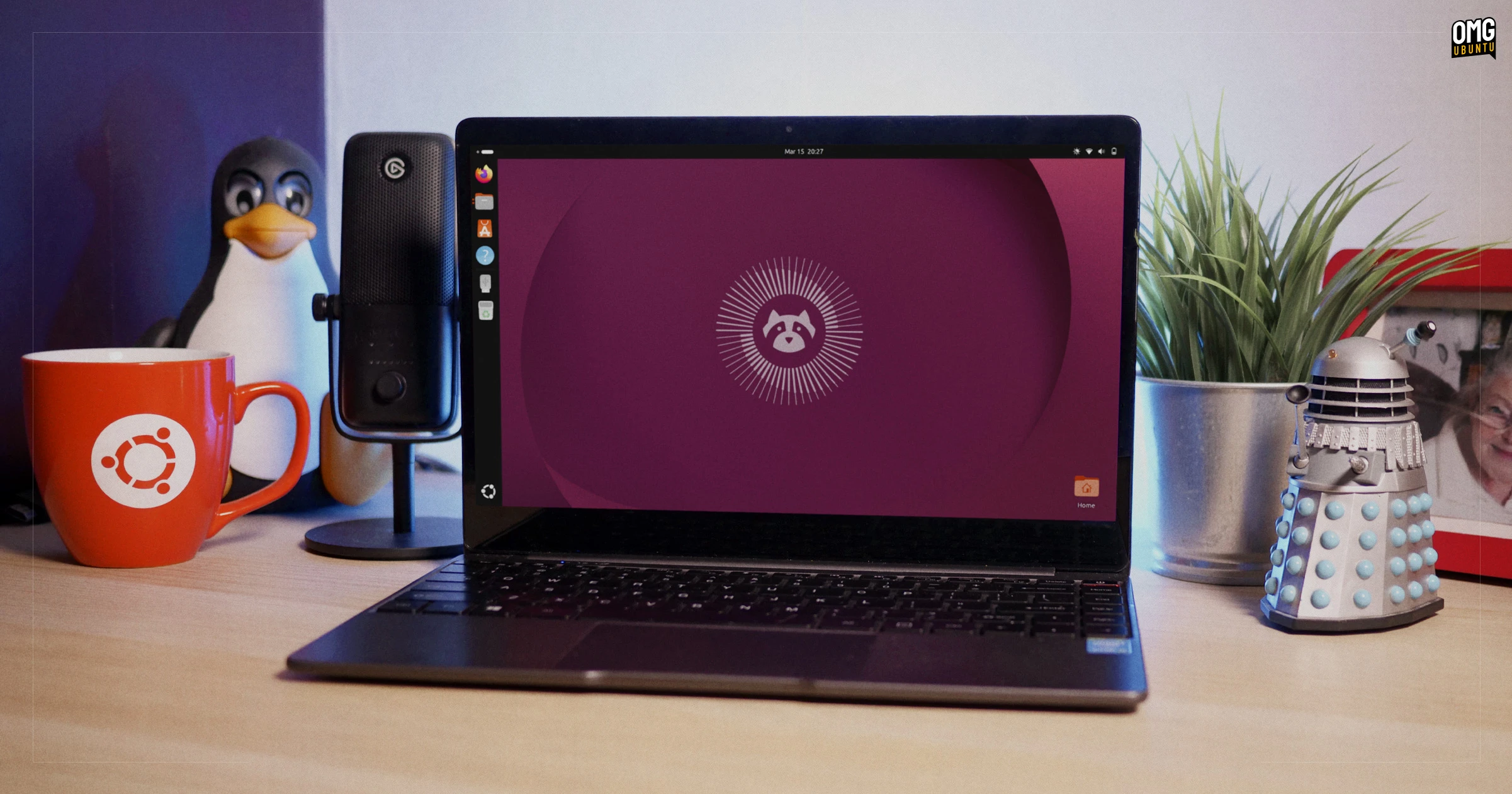
Canonical's latest long-term support release, Ubuntu 26.04 LTS, codenamed 'Resolute Raccoon', marks a historic shift in the Linux desktop landscape. For the first time ever, an LTS edition ships without the legacy Xorg display server, fully embracing Wayland. Powered by the cutting-edge Linux 7.0 kernel and the redesigned GNOME 50 desktop, this release brings fresh applications, refined package management, and extended support options. Whether you're upgrading from Ubuntu 24.04 LTS or 25.10, here's everything you need to know about this milestone update.
1. A New LTS Era: Wayland-Only Desktop
Ubuntu 26.04 LTS dispenses with the Xorg session entirely, making it the first LTS to offer only a Wayland-based graphical experience. This move streamlines development, improves security, and delivers smoother performance—especially on modern hardware with mixed-DPI displays. While Wayland has been the default since Ubuntu 17.10, this release finalizes the transition, ensuring Xorg's fragile codebase no longer clutters the desktop. Expect fewer screen-tearing issues, better touchscreen support, and enhanced peripheral compatibility. For users still reliant on legacy Xorg applications, the GNOME Boxes or XWayland compatibility layer helps bridge the gap, but native Wayland apps are now strongly recommended.

2. Linux 7.0 Kernel: Performance and Future-Readiness
Under the hood, Ubuntu 26.04 LTS runs on the latest Linux 7.0 kernel, bringing dozens of new features and optimizations. This kernel introduces improved scheduling for modern hybrid processors, better NVMe storage handling, and expanded hardware support for next-generation GPUs, Wi-Fi 7 adapters, and USB4 peripherals. Additionally, the kernel's security hardening—such as finer-grained memory protections and updated filesystem encryption—makes the system more resilient against exploits. For developers and sysadmins, Linux 7.0 also includes enhanced BPF tracing capabilities, enabling more detailed performance monitoring without heavy overhead.
3. GNOME 50 Desktop: Refined Workflow
The GNOME 50 desktop environment debuts in Ubuntu 26.04 LTS, offering a polished user interface and subtle but meaningful improvements. Key changes include a redesigned Activities Overview that groups workspaces more intelligently, tweaked system tray handling for background apps, and smoother animations on Wayland. The new Videos app replaces the aging Totem, delivering a cleaner interface and broader codec support out of the box. Meanwhile, the System Monitor app gets a significant overhaul, now showing per-process GPU usage, unified network statistics, and a more intuitive resource graph layout. Both apps leverage libadwaita for a consistent, modern look.
4. App Center: Integrated Deb Management
Ubuntu's App Center now includes full support for Deb package management, enabling users to install traditional .deb packages alongside Snap applications from a single interface. This simplifies the experience for those migrating from older Ubuntu releases where the Software Center was limited to Snaps. The updated App Center also features improved search filters, package ratings, and detailed dependency information. While Snap remains the recommended format for containerized apps, the ability to manage Deb packages directly from the App Center caters to power users and system administrators who rely on classic repositories.
5. Extended Support: 5+5 Years of Security Coverage
As an LTS release, Ubuntu 26.04 guarantees at least five years of standard updates, but that's just the beginning. With an Ubuntu Pro subscription—free for personal use on up to five machines—you gain an additional five years of critical security patches, bringing the total support window to a decade. This makes 'Resolute Raccoon' an excellent choice for enterprise deployments, embedded systems, and long-term projects. The Pro tier also includes kernel livepatching, reducing the need for disruptive reboots when applying urgent fixes. For organizations requiring compliance certifications, Canonical's FIPS and Common Criteria modules are available.
Whether you're already running Ubuntu 24.04 LTS or 25.10, upgrading to 26.04 LTS is straightforward—just follow the official upgrade guide. This release sets a new standard for stability, security, and modern Linux desktop computing, and its ten-year support horizon ensures you can rely on it for years to come. Ready to dive in? Grab the ISO from the official download page and start exploring 'Resolute Raccoon' today.
Related Articles
- Fedora Asahi Remix 44 Arrives for Apple Silicon Macs with Plasma 6.6 and GNOME 50
- Scaling Infrastructure Operations with Terraform Enterprise 2.0: Key Enhancements and Capabilities
- Meta Unveils AI Agent Platform That Automates Hyperscale Efficiency, Recovering Hundreds of Megawatts
- Tux the Penguin at 30: Celebrating Linux's Beloved Mascot
- A Step-by-Step Guide to Understanding Fedora's Decision to Remove Deepin Desktop Packages
- Critical Linux Kernel Flaw 'Copy.Fail' Allows Unprivileged Users to Gain Root Access
- Ratty: A Playful GPU-Accelerated Terminal Emulator That Breaks the Mold
- Urgent: Ubuntu 26.04 LTS Upgrade Now Live – Move Before July Support Deadline